



JW Player Is NOT Meant for
Marketing Videos
JW player is actually built for publishers - people cranking out content, who want to sell ads to monetize these videos.
They just recently created the hosting portion of their platform.
Until now, you would download their player code and set it all up yourself.
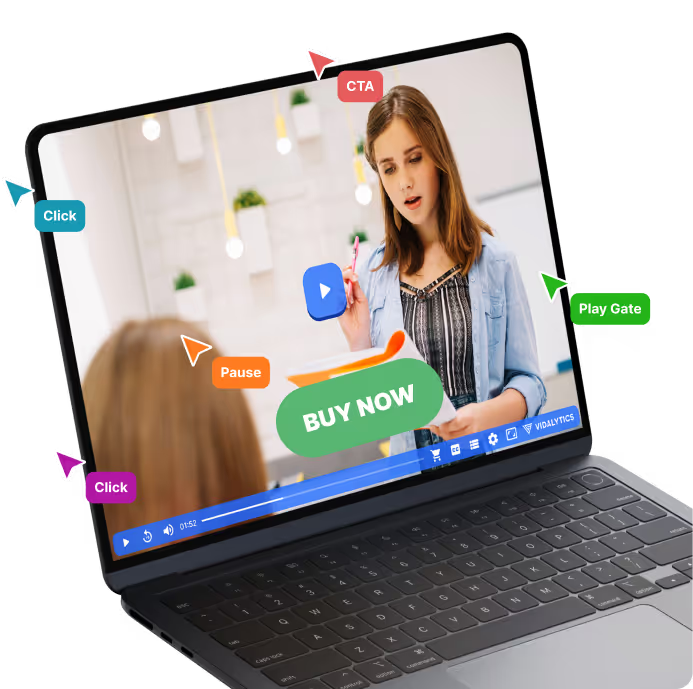
The chart below speaks for itself. If you’re a marketer and you want to maximize your videos effectiveness, Vidalytics is a no-brainer.





Increase Your Conversions Now By Simply Swapping Out Your Video Player
What Real Users Are Saying About Vidalytics After Switching From JW Player

"Good news! We split tested 595,000 sessions with Vimeo, YouTube and Wistia, and they couldn’t beat Vidalytics 🙂"

"Optimizing VSLs is fucking hard. Vidalytics allows you to track engagement of your videos by UTM parameters! I found this feature and saw more than a 5X engagement boost with the same video, just a different ad angle (3.6% vs. 17.34%). This is a game changer. It allows us to optimize our funnel so much more effectively now that we can see exactly which ad angles are driving the highest intent. This is pretty sweet!"
"You should definitely use Vidalytics for video hosting. When I switched over, their Smart Autoplay increased my conversions by 30%. This is why I use Vidalytics for all of my Video Sales Letters"

“There’s a video hosting service called Vidalytics. That thing’s really cool! When a viewer hits X minutes [watch time in your video], it’ll tag them in Vidalytics, and then you can use Zapier to send that tag data over to your email system, or CRM.”

"Been in the space 12 years, my videos have generated over $700M. Every time somebody asks me, “Hey… video hosting, who do you recommend?” Vidalytics is always number one. There’s no one else, doesn’t matter. Just make the investment, you deserve it, your business deserves it."
"Vidalytics has been our go-to for video hosting. I've been an entrepreneur my entire life, with an MBA and ten years in digital marketing. We've been with Vidalytics for four years, and they’ve been awesome. The tech is solid, hosting is reliable, and the videos load fast.The reporting and data tools are exactly what we need in direct response. Their support is great, especially with interactive videos, which we've been using for three years. Vidalytics is always on top of the latest tech and actually implements feedback. We’ve tried other platforms, but Vidalytics has been by far the best."

"Vidalytics’ Smart Autoplay bumped my conversion rate by 49%. I’m never leaving Vidalytics!"

"I love Vidalytics. Better pricing than Wistia, with WAY better analytics. The autoplay that restarts when unmuted pays for itself in increased conversions each month for us. Best video hosting for our industry, hands down!'

“Over the last 20 years, I’ve used ALL of the other video platforms — JW Player, Flowplayer, Vimeo, Wistia, Youtube and nothing compares to the power and insights that Vidalytics gives you. It is hands down the best.”

"I love that Vidalytics was built by marketers for marketers... Our conversions are up because of smart-autoplay, faster load times, start-from-where-you-left-off for returning visitors etc... Plus they moved all of our videos over from our backup, which was great. More conversions, lower costs, great customer service."

"Vidalytics gives you deeper analytics around engagement and where viewers convert. This is super useful if you're like me and want to split test everything. Other video solutions don't give the insights needed to optimize for conversion. The biggest difference was the Smart Autoplay. Vidalytics stands out with its comprehensive analytics and conversion-boosting features, making it an indispensable tool for anyone serious about video marketing."

“Vidalytics seems like a great program so far. I have already recommended it to a few people I know that were using Vimeo and had issues like I did.”

"They have the best analytics for marketing videos -- period. And a ton of unique features like Smart Autoplay and Countdown timers.They also have features that save someone from bouncing while watching your video, since it works when the video is paused. They're all called 'Exit' features. Like Exit Call to Actions, Exit Play Gates, and Exit Thumbnails. It's awesome."

"Vidalytics provides so much value at the magical intersection of engagement, conversion, and insight. It's an essential tool in the stack for digital marketers and online course creators."

"One vote here for Vidalytics, their unmuted autoplays increased video plays with the flashing message on top of video while it's playing in the background, then restarts from the beginning when clicked. Genius."

"I produce a TON of video sales letters. Vidalytics is a perfect fit for these businesses using VSLs. So I recommend it to all my clients. Vidalytics just makes sense for any direct response company instead of Wistia or Vimeo."

"Wistia would never have and could never have put any of this together for me."

"I split tested Vidalytics against Wistia and it destroyed them. Vidalytics works so well I almost didn’t want to tell anyone about it because it is such a competitive advantage."

"We’ve been using Vidalytics for a while and absolutely love it. Its mobile features alone are worth switching. Not to mention it converts better than other players, its analytics are on-point and it’s the fastest video player I’ve tested. I highly recommend them for your marketing videos."

"I love how it shows me not just video analytics, but also where people converted in the video. Only video player I've found that really gives me the data I need to optimize for sales. I'm able to see what parts of the video is performing best, where I'm losing people and at what point they are converting."

"I'm transitioning to Vidalytics from Vidyard. Seriously, I've been totally blown away by your product so far, especially considering the price."

Todd Brown recommended your software in the E5 camp. It's great!The first version of my VSL hosted on Vidalytics did £70,000. I'm relaunching v2 now.

"In the few months since we signed up Vidalytics has been AMAZING. It’s a real game changer. I’ve already edited our webinar replay to reflect the poor drop off at the beginning. I’m not sure how anyone with marketing videos can get by without Vidalytics, it's really that good."
We love Vidalytics - the more you measure, the better. It also allows for custom messages with mobile autoplay, AND faster load speeds.

"I can NOT afford to have the videos in my funnel be “black holes” where I don’t know what is happening. Before, it was just a guessing game. Now with Vidalytics, I know exactly where and how my videos are converting. Making it easy to improve their conversions."

"Vidalytics is my secret weapon for troubleshooting VSLs so that I can increase conversions. It’s turned what I thought were duds into high converting videos."
"When you've had a great customer satisfaction experience - you're in. You're part of the family. Support did that. It was a very cool exchange, answered my questions, was super cool about it. You are being well represented here. And as my teacher Ben Settle says, nothing like customer service to create a referral client."

"We are charged in dollars, but earn in Brazilian Reais. The currency affects us a lot. Trust me, I didn't want to pay for Vidalytics. But I just have to. Because it simply works. I've tested it against every other video platform out there, and it's just simply better. We make more money with Vidalytics. Period. That's why we use it in all of our companies."

"I love Vidalytics because of the countless options I can control such as AutoPlay, Countdown Timers, Resume Play and many more. The analytics on the videos are detailed and help my team and I make the right decisions to increase conversions."

"WOW!! Overlaying the conversion on the same graph is the missing piece, that is awesome."

"I absolutely love Vidalytics because I can scale with it. We are a high volume business. We drive a lot of traffic from Facebook and YouTube and we are just getting started. Love the resume play and the delayed CTA button tied to the player position."
"Vidalytics is JUST what I've been looking for in a long long time!!! I'm so excited. Gonna launch a new product next month. Can't wait to see how it converts."
"Great and friendly service. Awesome tools in Vidalytics! Compliments for the way it's designed!"





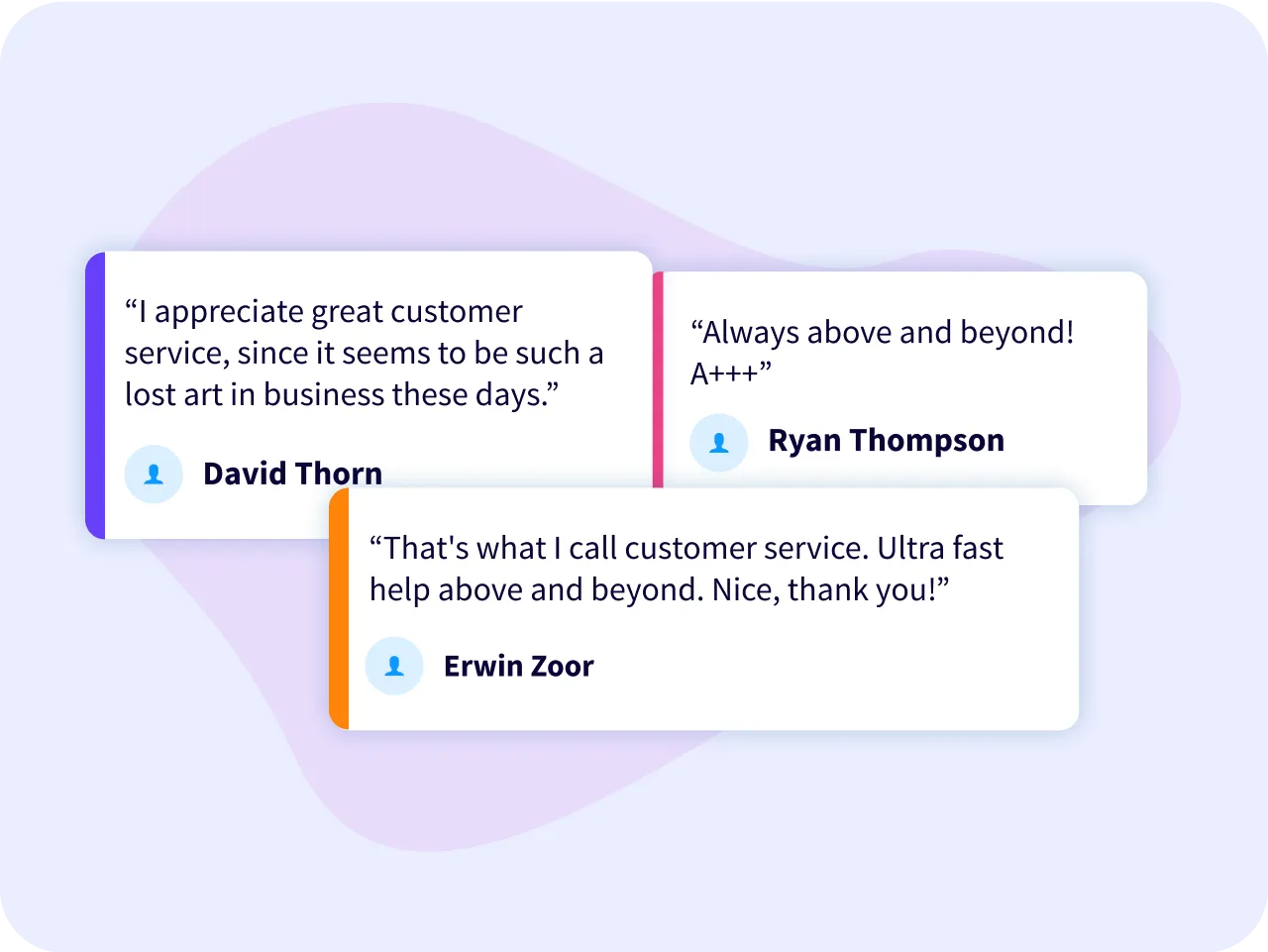
Freaking Awesome Support that Actually “Gets” Marketing
Each One of Vidalytics’ support staff is extensively trained in video & digital marketing. Which means you’re not going to “get the runaround.” Nor will you have to explain what a funnel or VSL (video sales letter) is.
We’ve literally been there, done that and are here to help you do the same.